Infinity Digital Edge (IDE) is an E-learning Platform built for learners who aim to level up their skills & targets with our digital interactive courses
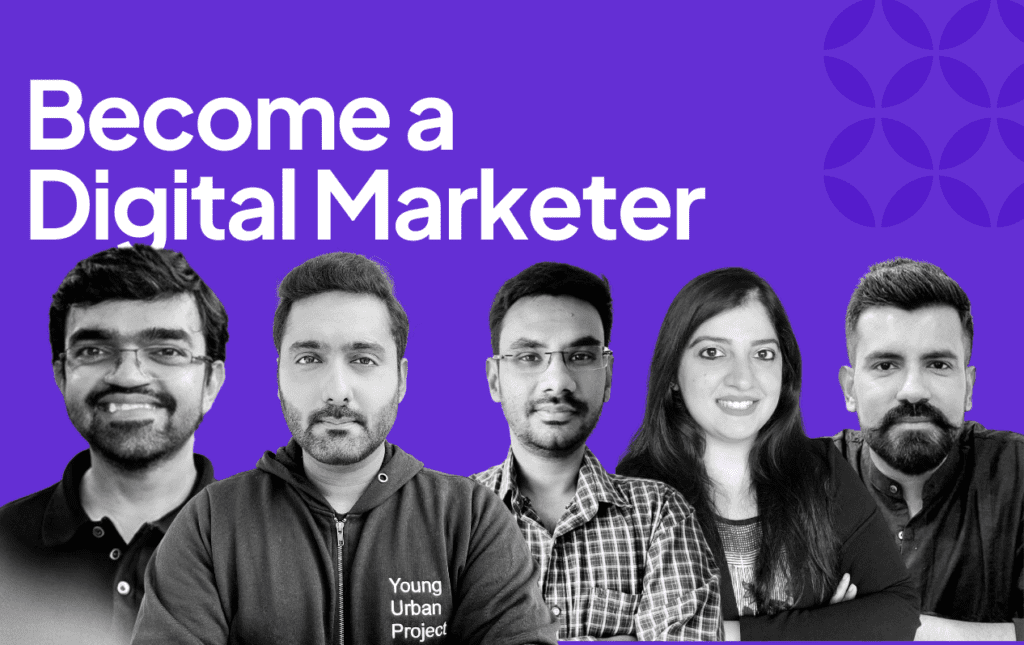
Become an Advanced Digital Marketing expert with the most comprehensive Practical program in the industry where you will learn 360-degree digital marketing skills.
with mentors from brands like
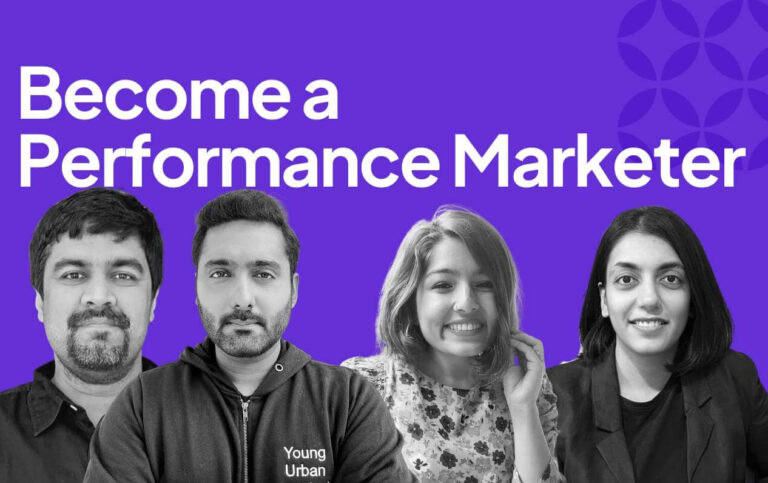
10-Week Performance Marketing Course
Learn data-driven advertising to generate profitable ROI, leads & sales at scale.
with mentors from brands like
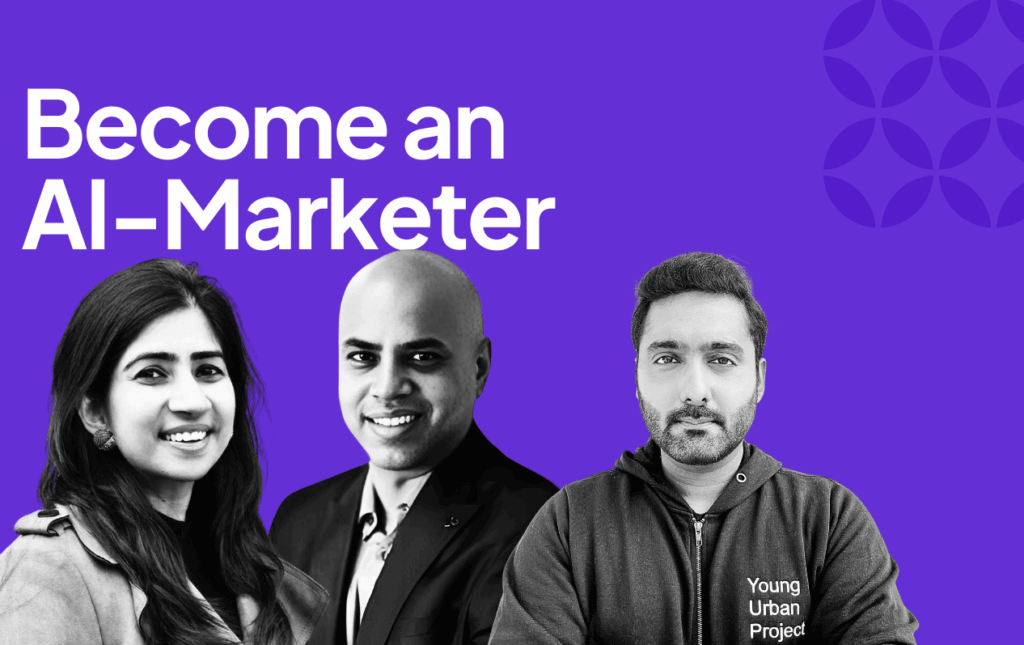
4-Week Advanced AI for Marketing Course
Clear, actionable roadmap to dominate the AI revolution – Learn complex tools & build Agents to drive real marketing growth.
with mentors from brands like
Self-Paced Courses
Specialization Courses
Learn these in-demand skills at your own pace
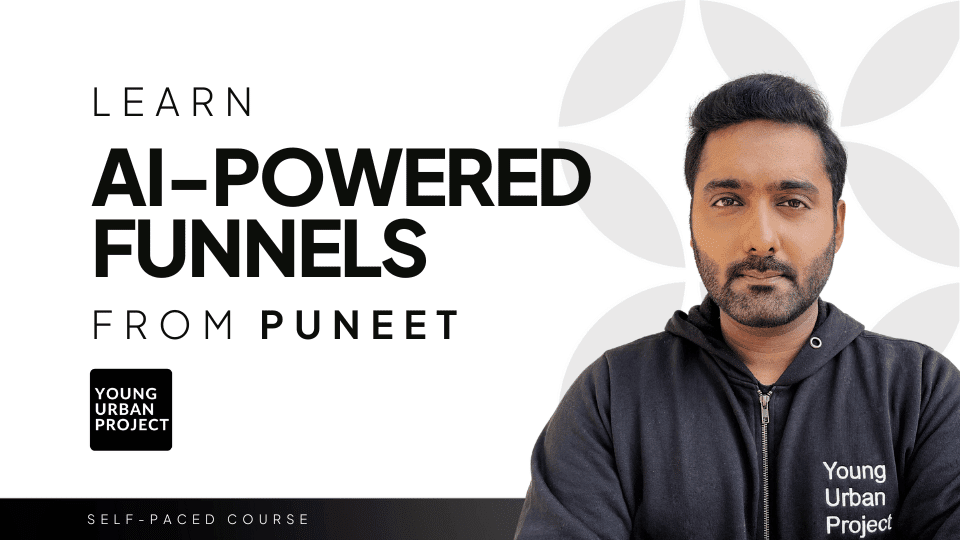
Learn High-ROI Funnels with AI
Learn how to design marketing funnels that become an automated system to generate leads & sales for high-ticket products or services.
AI-powered SEO Mastery
Learn the insider organic growth strategies used by world’s best Search Engine Optimization experts to dominate search rankings in the age of AI. No prior knowledge needed.
Advanced Meta Ads Course
Become a Meta Ads expert with the latest strategies to bring profitable results for any business. No prior experience required
Direct-Response Copywriting with AI
Learn how top direct-response copywriters weave their magic with words and get users to take valuable actions. Learn how to use Generative AI for effective copywriting.
Learn to make a job-winning Resume
Learn how to give your resume a makeover and make it more discoverable by recruiters. Get more interview calls than ever before.
Learn Design with Canva & Magic Studio
Learn world’s most popular design tool and create scroll-stopping designs for business, marketing, and personal branding.
Workshops
Workshops & Crash Courses
Explore new skills with our short-duration learning workshops
3-hour workshop
AI-Marketing Kickstarter
3-hour workshop
Performance Marketing Kickstarter
3-day crash course
Digital Marketing for beginners
3-hour workshop
Product Marketing Kickstarter Workshop
3-hour workshop
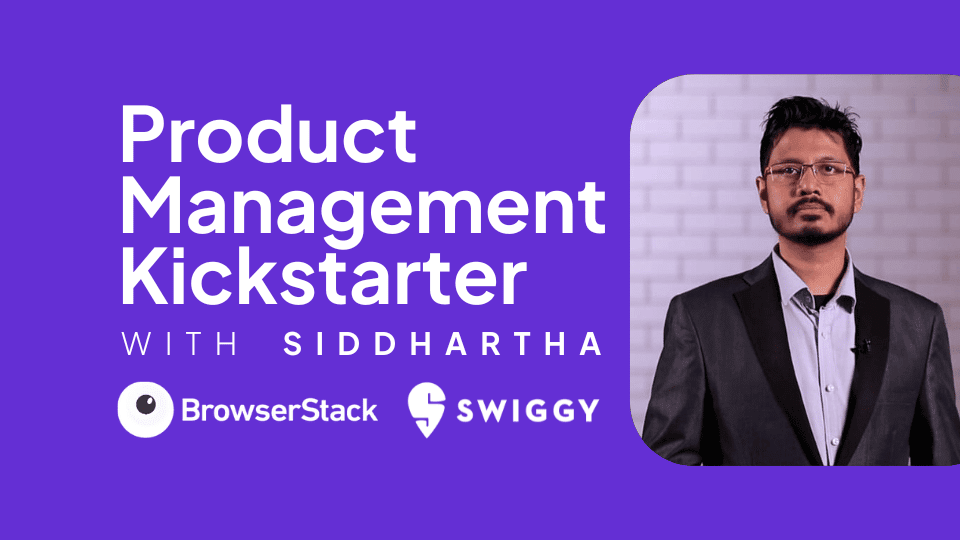
Product Management Kickstarter Workshop
Certifications
Certificates That Reflect You, Just like IDE
Seamless integration with top languages
Create stunning, professional-quality websites in record
time with our powerful UI kit. Elevate your SaaS
business and succeed today!
The complete development toolkit designed for the
future
“Nice work on this product. You’ve saved our business! If you aren’t sure, always go for this product. Believe me, you won’t regret it.”
Jessica Lee
@jesslee
“This product is by far the most valuable business resource we have ever purchased. Thank you for your hard work!”
Courtney Francis
@courtneyfrancis
“This product is by far the most valuable business resource we have ever purchased. Thank you for your hard work and commitment to creating quality products with great attention to detail. Our business has achieved amazing results”
Mark Smith
@msmithdev
Solidify
“Nice work on this product. You’ve saved our business! If you aren’t sure, always go for this product. Believe me, you won’t regret it.”
Kate Hughes
@katehughes
“I don’t know what else to say. This is simply unbelievable! Nice work on this product. You’ve helped our business!”
Emily Johnson
@emjohnson
“I don’t know what else to say. This is simply unbelievable! Nice work on this product. You’ve helped our business!”
Emily Johnson
@emjohnson
“Nice work on this product. You’ve saved our business! If you aren’t sure, always go for this product. Believe me, you won’t regret it.”
John Jones
@jjones
Key Benefits
Boost your teams productivity
Streamline your workflow with our amazing platform and effortlessly write cleaner and better code
Enhance your learning with our 8-degree curriculum
Infinity Digital Edge is a digital learning platform that offers practical courses in digital marketing, Meta Ads (Facebook & Instagram Ads), WhatsApp Marketing, AI Training, ChatGPT Prompt Mastering and much more. We provide hands-on training with real-world projects to help students and entrepreneurs grow their online presence.
How to customize the theme color palette?
This theme provides a base color palette which handles the color styles of every element and block on your site. Changing the default colors can be done in a few clicks from the Site Editor under the Styles tab.
How do I create a child theme?
We recommend using the create block theme plugin to create your own child themes. With a little know-how, they can be the perfect way to build your own website. They inherit all of the parent theme’s design which saves you a tonne of work and provides a head start for your next project.
How to keep user dark mode setting?
Cookies can be used to store user dark mode settings when clicking the toggle switch
How can I display blog posts on the home page?
This theme comes with multiple blog patterns that can be used to display posts on any page. Simply add a blog pattern to your home page template, or the page that is set as the Front Page. You can customize the Query Loop to suit your needs.
How can I save user dark mode preferences?
No, there are no plugins required by this theme. Everything you need to design an amazing website is provided by the framework.
How do I create an FAQ accordion?
FAQ accordions can be created using multiple Details blocks in a column such as this one. This theme provides pre-built layouts to quickly create FAQ sections with accordion toggles.
What version of PHP do I need?
PHP 7.4 or higher is required however we recommend using a later version PHP 8.2 or above.
How can I add animations to blocks?
Most core blocks have animation supported added. You can add and change transition effects without needing any code.
Does this theme require any plugins?
No, there are no plugins required by this theme. Everything you need to design an amazing website is provided by the framework.
How to change the site logo?
Head to the Site Editor and then navigate to the Header Template Part. From there, click on the existing logo and then replace it with a block of your choice. You can use an Image block, SVG, Site Logo or Site Title block as the site logo, the choice is yours. We prefer to use SVGs for logos because they scale perfectly at all screen sizes and also support variable colors which makes them ideal for use with dark mode and animations.
How do I add custom SVG images?
Custom SVG images can be added to your site in multiple ways. The first option is to use the core Image block, however this requires the use of the Safe SVG plugin since WordPress doesn’t allow SVG uploads by default. You can also use the Custom HTML WordPress block.
Engage, connect, and stay updated with our vibrant community